If you have a website it should be the easiest way for someone to request a detail. Unfortunately on many detailing websites this is not the case. You have your service page that outlines what packages you offer. Then you have to provide a phone number, contact form or a link to take them somewhere else.
In this article we will show you 4 ways to add a booking/quote form to your website. How to use each one with different site builders and what to test once it’s installed.
4 ways to add your form
Inline. Have your form displayed on one of your pages. Most likely your service or booking page. Your customer will be able to complete the form on your website. Best used if you have a page dedicated to booking.
Button that creates a pop-up. When a customer clicks on “Get a quote” or “Book now” the form will appear over your page. Good for using on your service page.
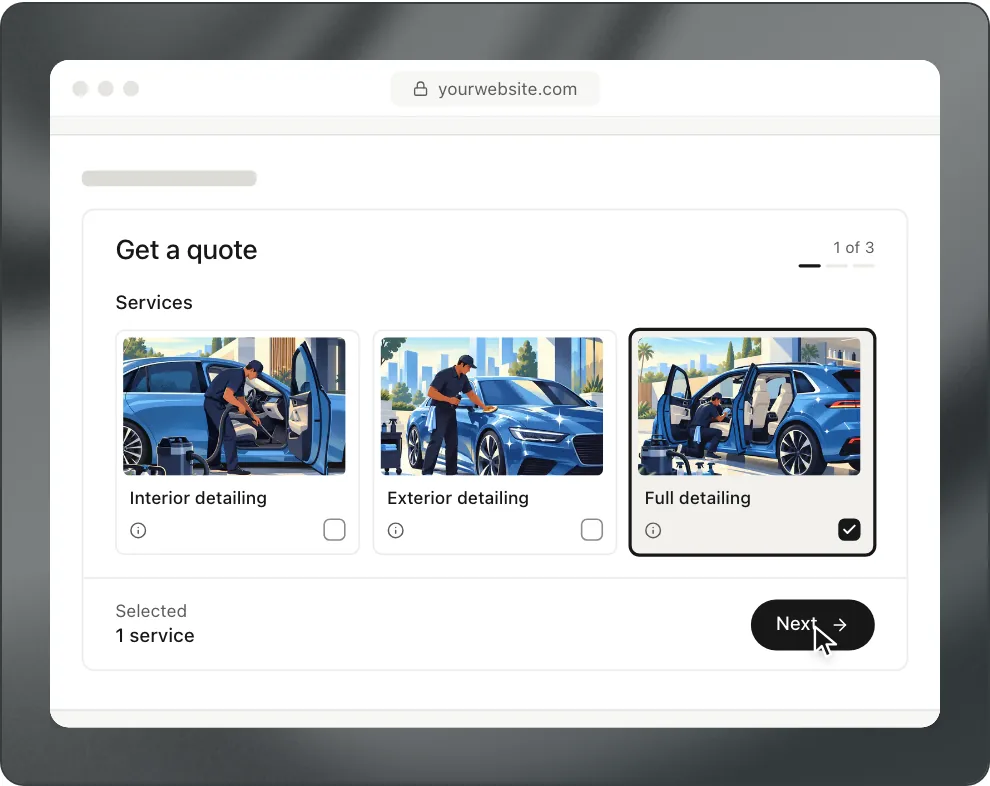
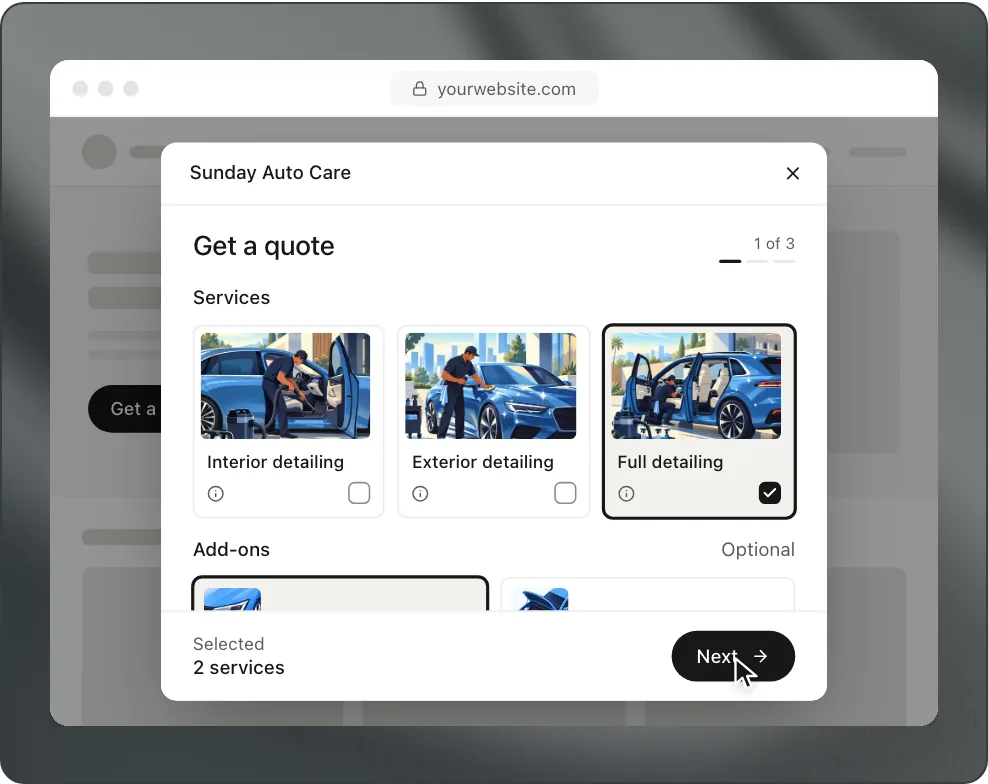
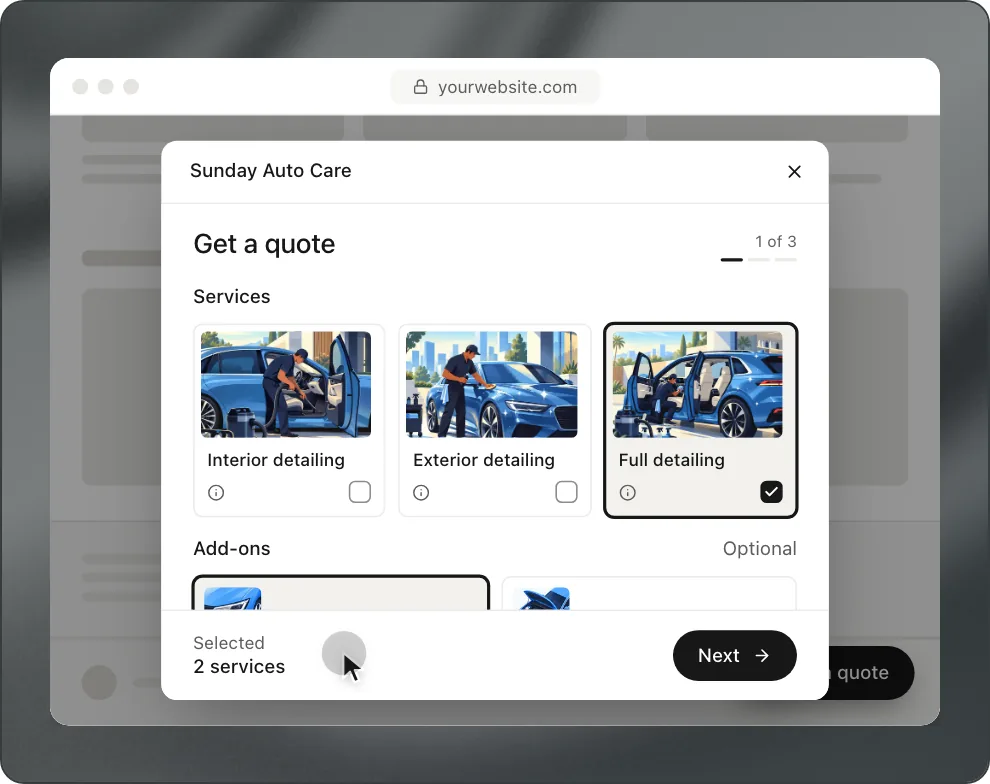
Floating button. Similar to the previous option but will stay on your website at all times. Great if you know your customers will be landing on various pages from Google. Just make sure it doesn’t take up too much room on a phone screen.
Link. Anywhere on your website you can create a button or menu link to take your customer to your booking page. No code needed. Can be used on any website builder.
Which one should I use?
Start with the link. It will work on everything.
Here is what some website builders allow
There is certain code you will not be able to add to your website when using a website builder. Some will allow this depending on what plan you’re on. As of Sept 2026 according to their help articles.
| Builder | Where to paste it | Limits |
|---|---|---|
| Wix | Embed a site, with the form’s embed address. Or link a Wix button to your booking page | Pasted code runs in a box, so it can’t pop up over the page or resize. Site-wide code needs a paid plan with a connected domain |
| Squarespace | Code block or code injection | Needs the Core plan or higher. On Basic even iframes are blocked, so use a link |
| WordPress | Custom HTML block | Self-hosted: an administrator adds scripts. WordPress.com: a paid plan with plugins |
| GoDaddy | HTML section, or link a button | Pasted code runs in a box, like Wix |
| Google Sites | Insert, Embed, By URL, with the embed address | — |
| Webflow | Code Embed element | Site-wide code needs a paid plan |
| Shopify | Custom Liquid section | — |
| Carrd | Embed element | Pro Standard or higher |
Make sure it looks good on your phone
You want to make sure your website looks good on mobile.
Many of your customers will be on their phone. Maybe from Google or Instagram. Once you have your form on your website:
- Go to your website on your phone
- Complete your entire form. Check if your dates will drop down. And make sure you can click the button on your form.
- If your form is a pop up make sure it closes. And that the page behind it doesn’t scroll.
- Send yourself a test request.
If it doesn’t look nice on your website within the box. Then use the link. It’s better to send them to a page that’s optimized for mobile.
Have more information on your website
It’s always good to have more information about your business on your website. What areas you travel to, what’s included in each package, starting prices and if you need water/power.
How to add Bookr to your website
As mentioned above Bookr offers all 4 methods. In your dashboard, go to Booking page and click Add to your website. Choose Inline, Pop-up button, Floating button or Link. You can then copy and paste that code to your website.
All snippets have a fallback to a working link. If the script is on your page any link to your Bookr page will open as a pop-up as well. So if you have a button created on your website builder it will also work. There is also an embed address you can use if your website builder only takes a URL. It will just display the form.
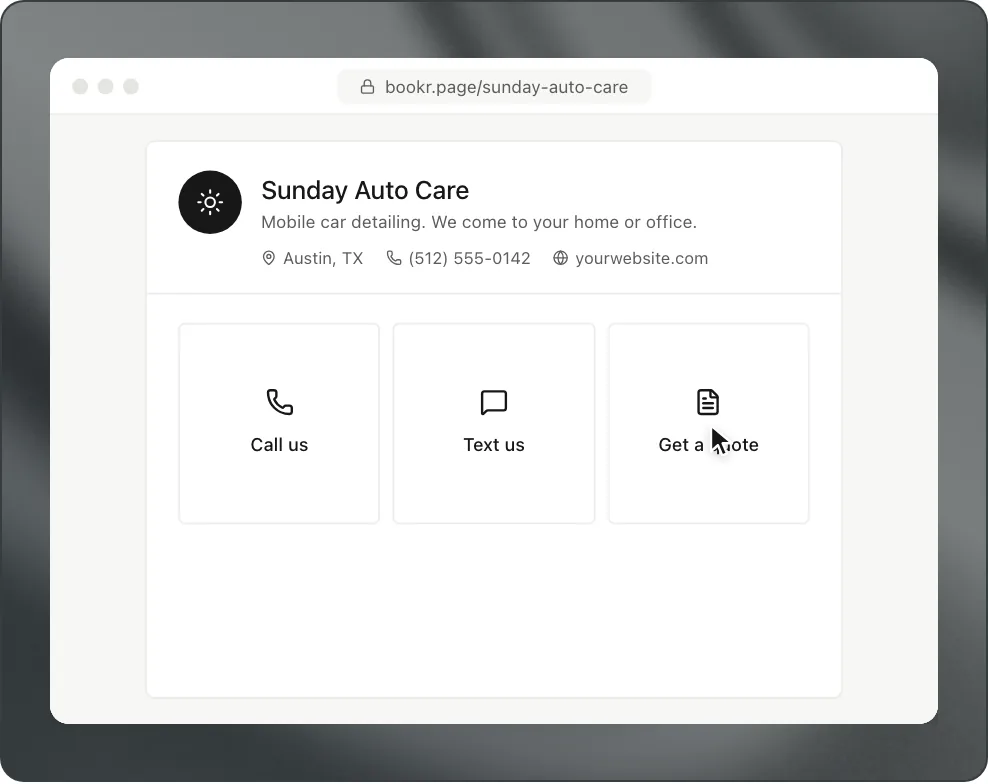
Your customers will send you a request from your website just like if they went to your Bookr page. You will receive the same notification.
Questions
Do I need to have a website to use my form?
No you can use just your booking page. It works great for your Instagram or Google Business Profile. Having a website is beneficial but not necessary.
Will the form slow down my website?
If you choose the link option no. It will not affect your page at all. When using the pop-up from Bookr, the form will not begin to load until the user’s cursor or finger reaches the button.
Why can’t I see my pop-up on Wix?
When you paste code on Wix it loads in a box. So it won’t be able to cover your page. You can create a button and link it to your booking page. Or use site wide code on a paid plan.