If someone types in “mobile detailing near me” they will see a map with businesses listed. Those businesses are pulled from their Google Business Profile. As a mobile detailer that will most likely be the first thing your customer sees before your Instagram and website.
You can put a link to book on your Google Business Profile and your customer will see a button. Here is how to add your link, what rules Google has for links and what you should have on your profile if you don’t have a location for your customers to come to.
First make sure you’re set up as a service area business
Since your customer won’t be coming to you you’ll want to make sure you have your business set up as a service area business on your Google Business Profile. This will hide your address and show where you service.
Hide your address
On your Google Business Profile click edit profile then location. Under business location click edit and turn off “Show business address to customers” then save.
Add your service area
Go to edit profile, location and click edit under service area. Add your area(s) that you service and save. Here are some rules from Google:
- Can add up to 20 service areas
- Should stay within about a 2 hour drive of where your business is located
- Cannot use a radius
- May take up to 48 hours to appear
Adding your booking link
These are the steps from Google’s help article. Make sure your Google Business Profile is verified.
- Go to your Business Profile. You can search for your business name on Google and it will show up.
- Select Booking on Google Search. Or select Edit Profile on Google Maps and then the type of link you want to add.
- Click Add Link
- Insert your link to your booking page.
- Save
Keep in mind that not all businesses can use these links and some types of links aren’t available in all countries. Make sure your profile is verified.
Rules for your booking link
Here are some things to keep in mind when using your booking link on your Google Business Profile.
- Make sure your link takes them to your business and they can book or ask for service. Do not just send them to your home page if there isn’t a way to book.
- No social media links, chat links, app store links or URL shorteners. Your Instagram will not work.
- You can only have one link per domain.
- Make sure Google can access the link. If it’s behind a login they won’t be able to access it.
Booking providers
You may also notice under Bookings there are some providers that offer booking services. These are businesses that are partnered with Google and may charge you for customers that use their service.
As a mobile detailer you may run into an issue with this. There are some developer terms for Google’s booking service that will exclude on demand services that are mobile or done in the home. Unless your business is Google Guaranteed or Google Screened. You can always use a booking link and that’s what we recommend using.
Use your link elsewhere on your profile
You can also put your link to your booking page on your website field if you don’t have a website. Use Google posts to advertise any openings you may have and include your link.
Make sure your hours and services on your profile match your booking page as well.
Using Bookr
When you sign up for Bookr you are given a link to your page. bookr.page/yourbusinessname. This page will allow your customer to select what service they’d like to book, input what vehicle they have and any details about their car. They will then be able to send you a request with what day/time they’d like you to come. Your customer will not have to create an account or download anything which fits Google’s rules for your booking link.
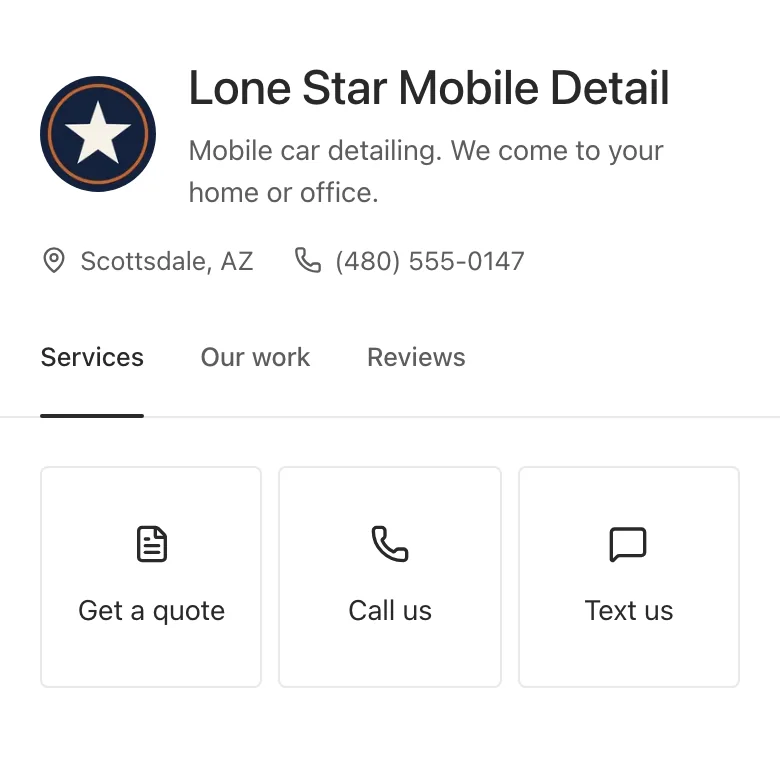
Once a request comes in you will receive an email and can provide a quote from your phone.
Questions
I don’t have a location can I still have a Google Business Profile?
Yes! Make sure to set up your business as a service area business and hide your address.
I don’t see the booking link option.
Only verified businesses can add links to their Google Business Profile. Google states that not all businesses will be able to use these links.
Can I use my Instagram as my booking link?
No, Google does not allow social media links to be used for your booking link.