A booking page built for mobile detailing
Your page at bookr.page/your-business. Customers choose the work, tell you about the car and pick a day, so you can price it before you call.
7 days free. No card required.
Services and prices that fit detailing
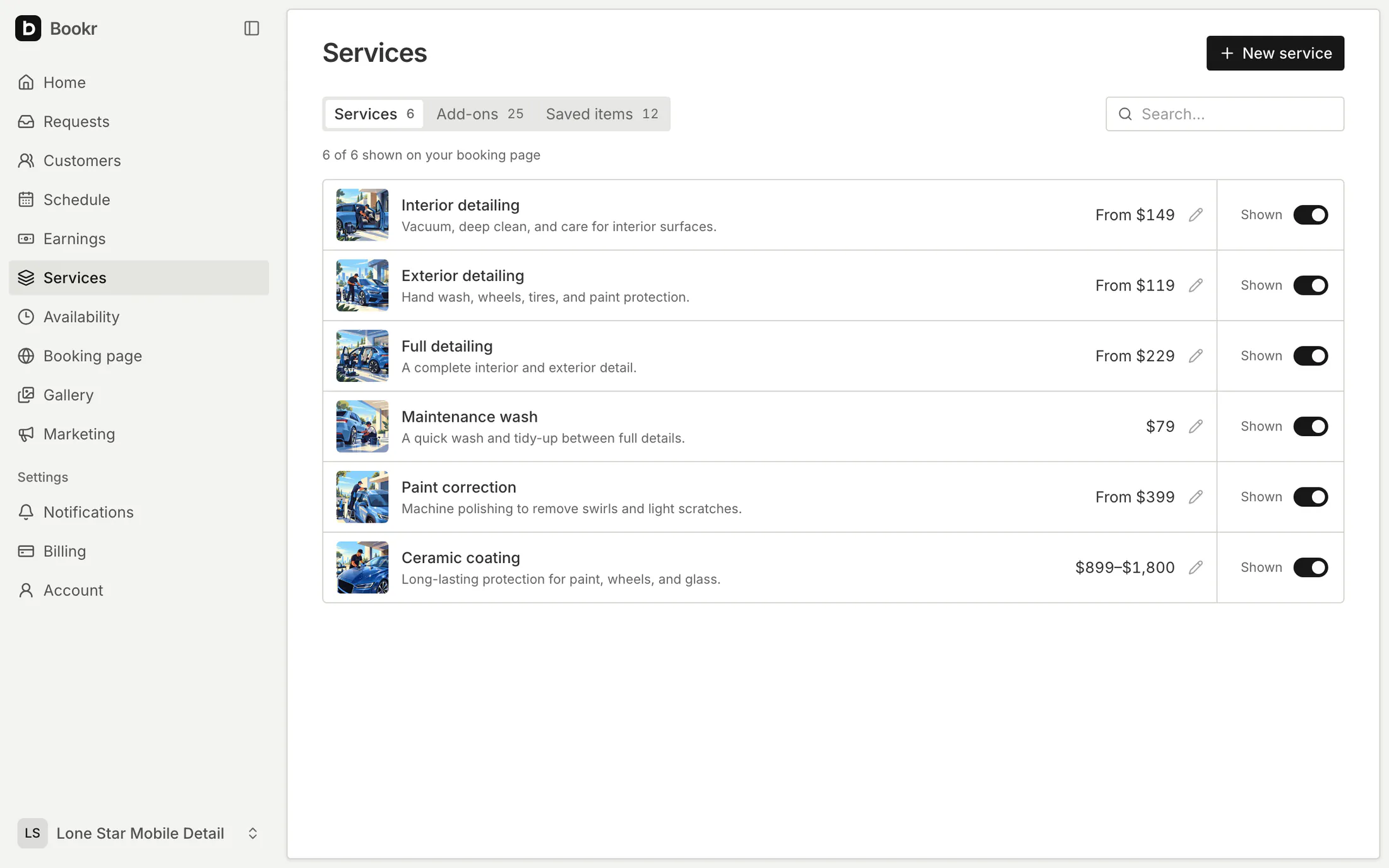
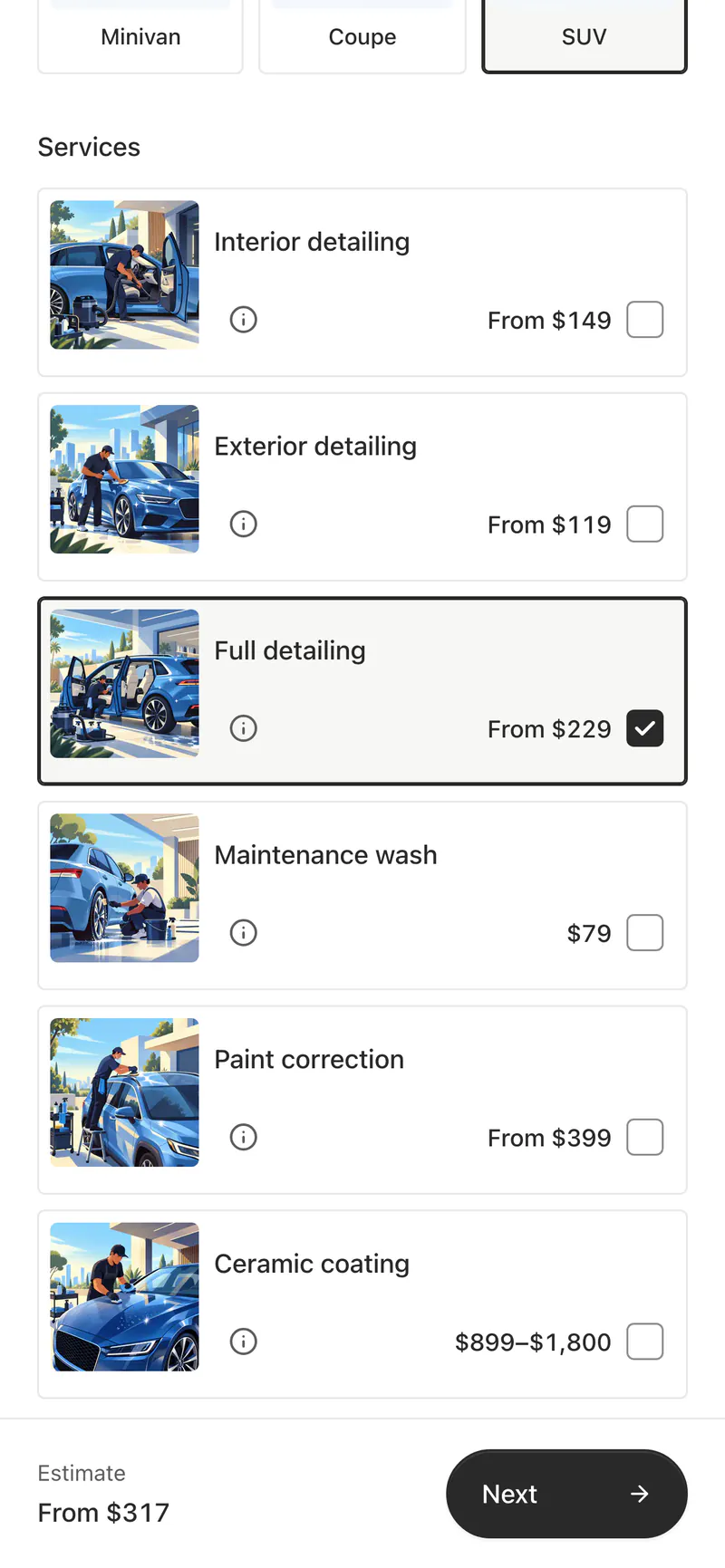
Start from common detailing services and add-ons, then change them or write your own. Each one has a photo, a description and a price for each vehicle type.
- A fixed price, a starting price, a range, or no price
- Customers see an estimate when everything they choose has a price
- Hide a service without deleting it
The car, before you get there
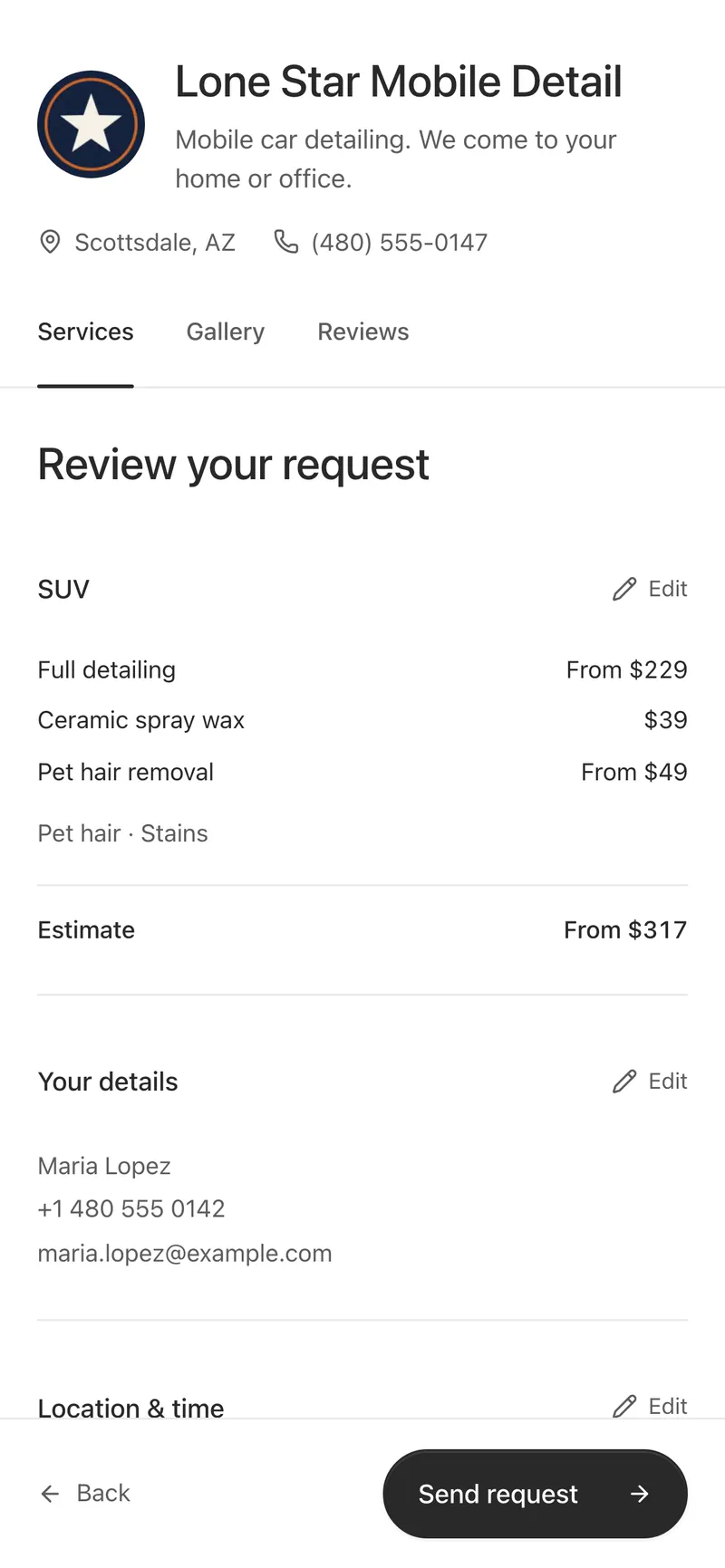
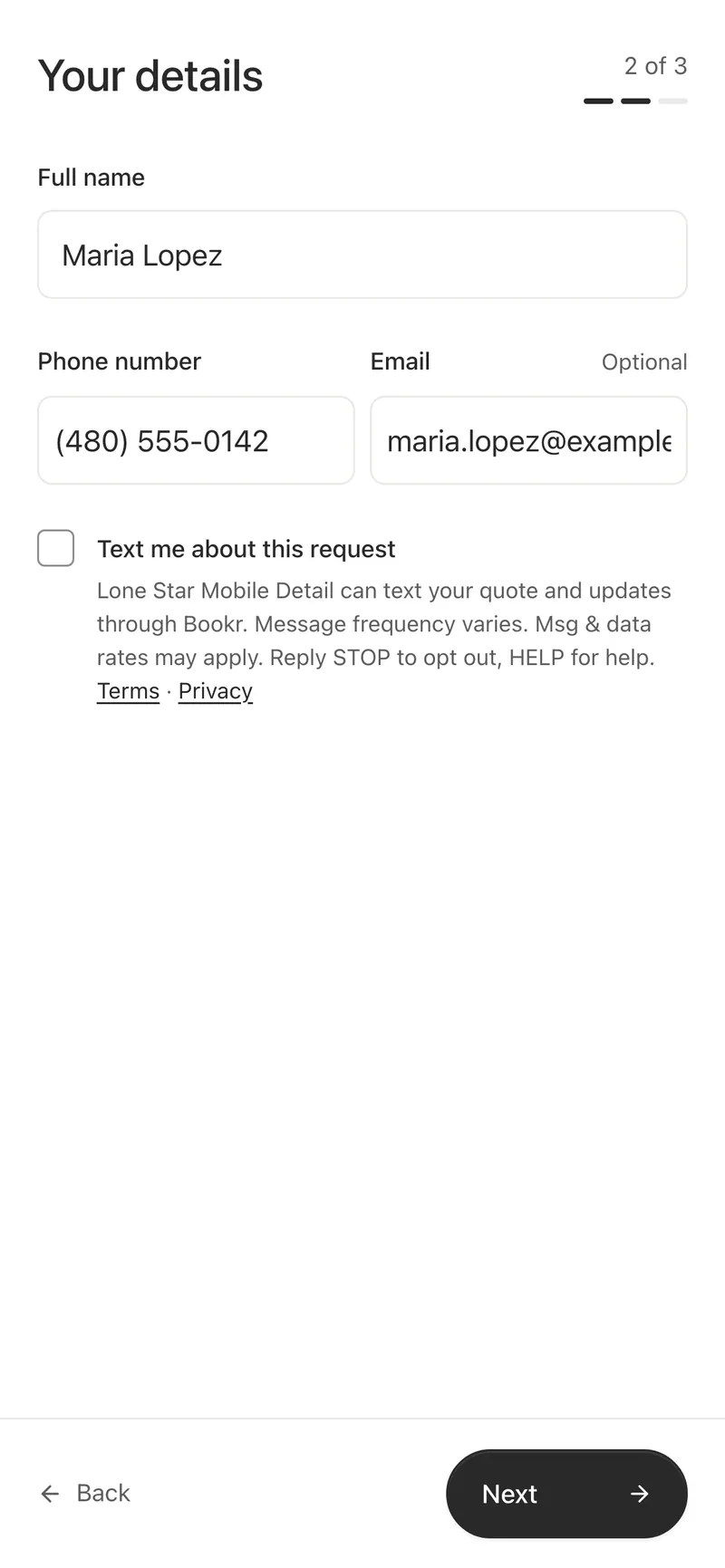
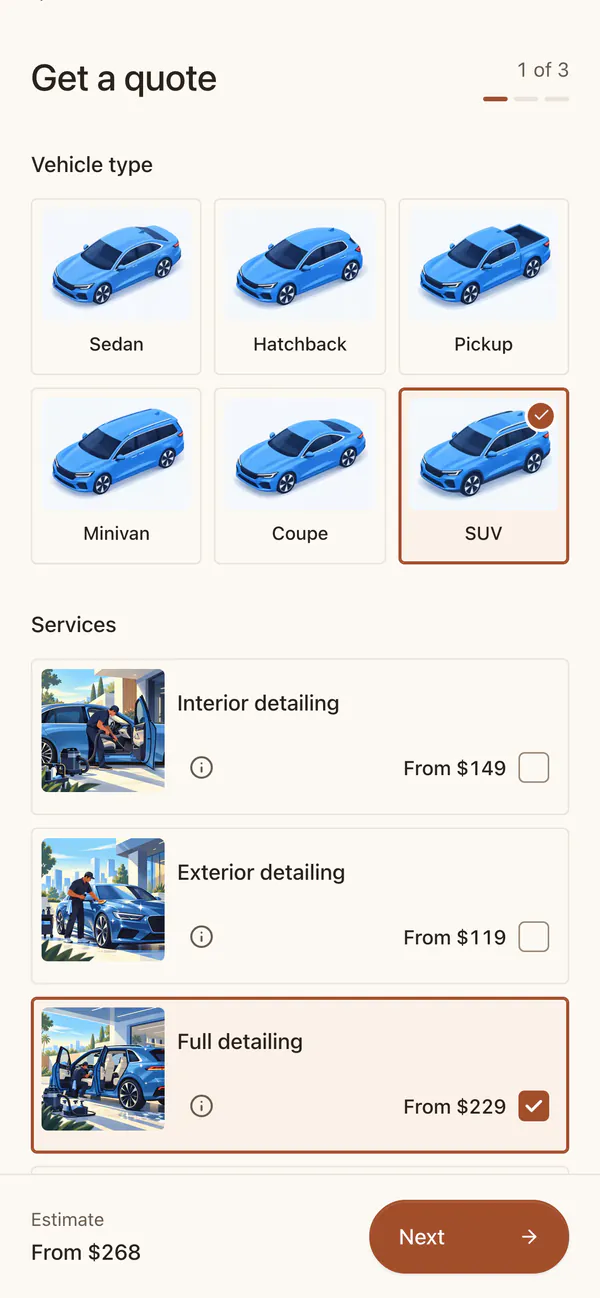
Customers pick a vehicle type, or enter the make, model and year with suggestions as they type. They mark what you should know about and can add photos and notes.
- Pet hair, stains, odor, sand, heavy dirt, mold, food spills, and grease and grime
- Photos come with the request
- You choose which conditions to ask about
A day and a time window, not a slot
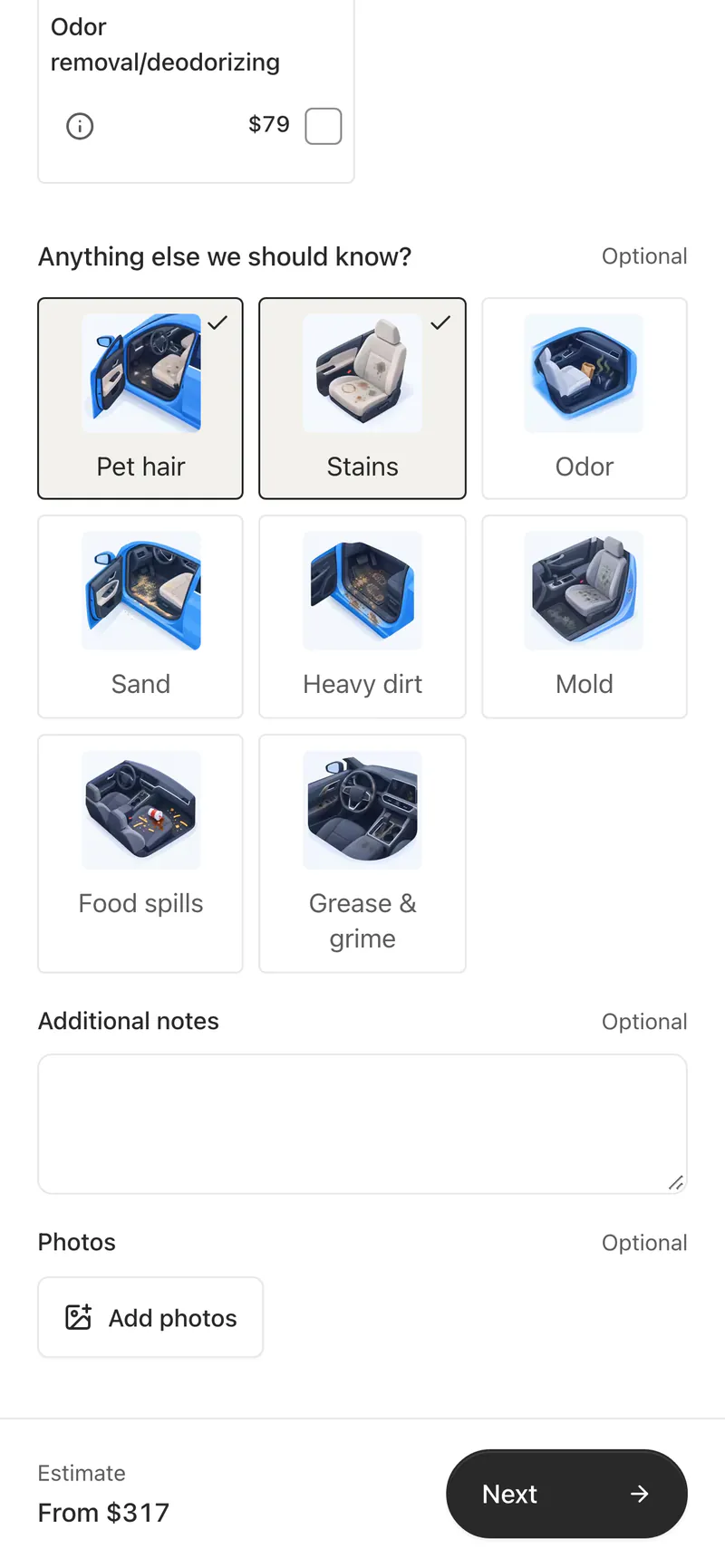
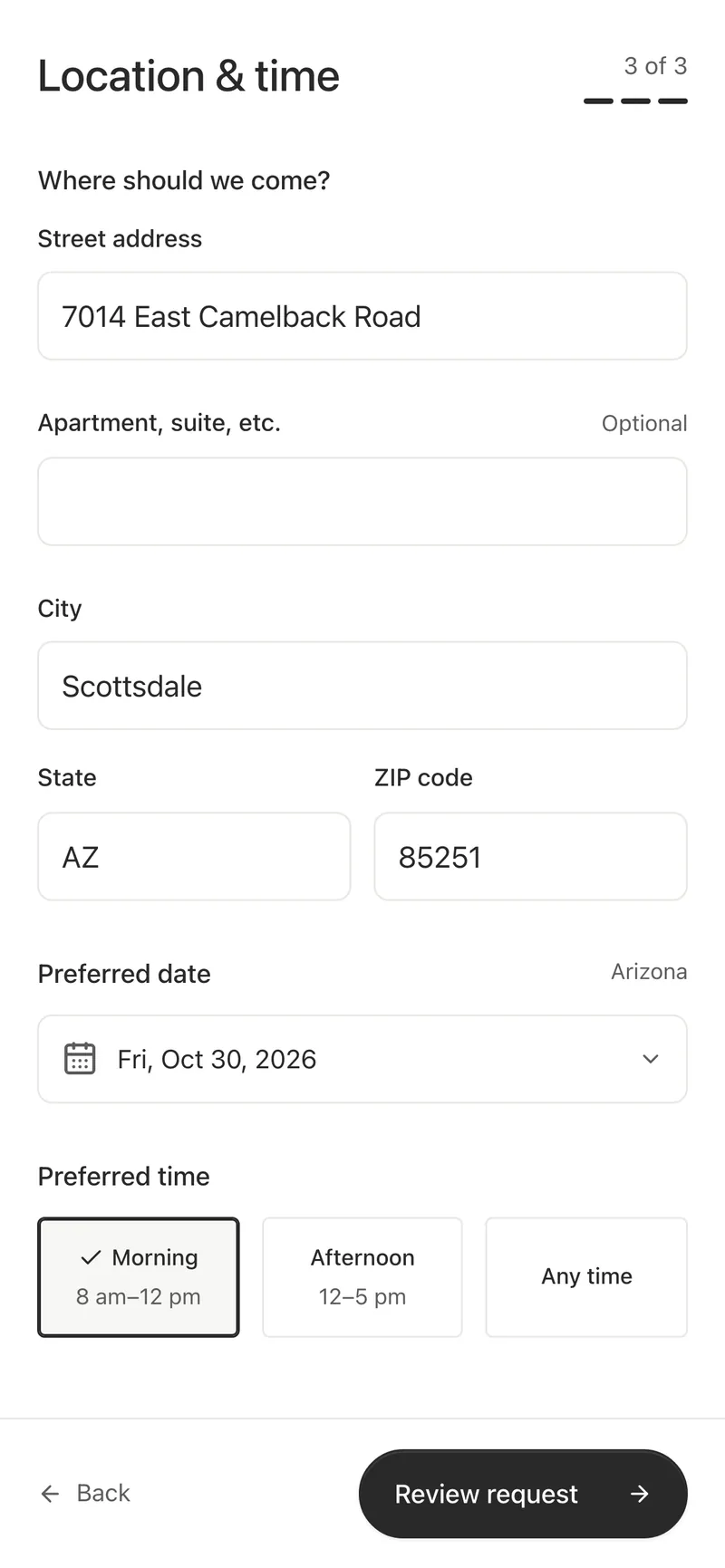
Customers enter the address, with suggestions or by hand, and choose a preferred date and one of your time windows. Nothing is booked until you confirm it.
- Working hours, minimum notice and how far ahead customers can ask
- Time windows you name, such as Morning or Afternoon
- Your policies, shown before the customer sends the request
Your work and your reviews on the page
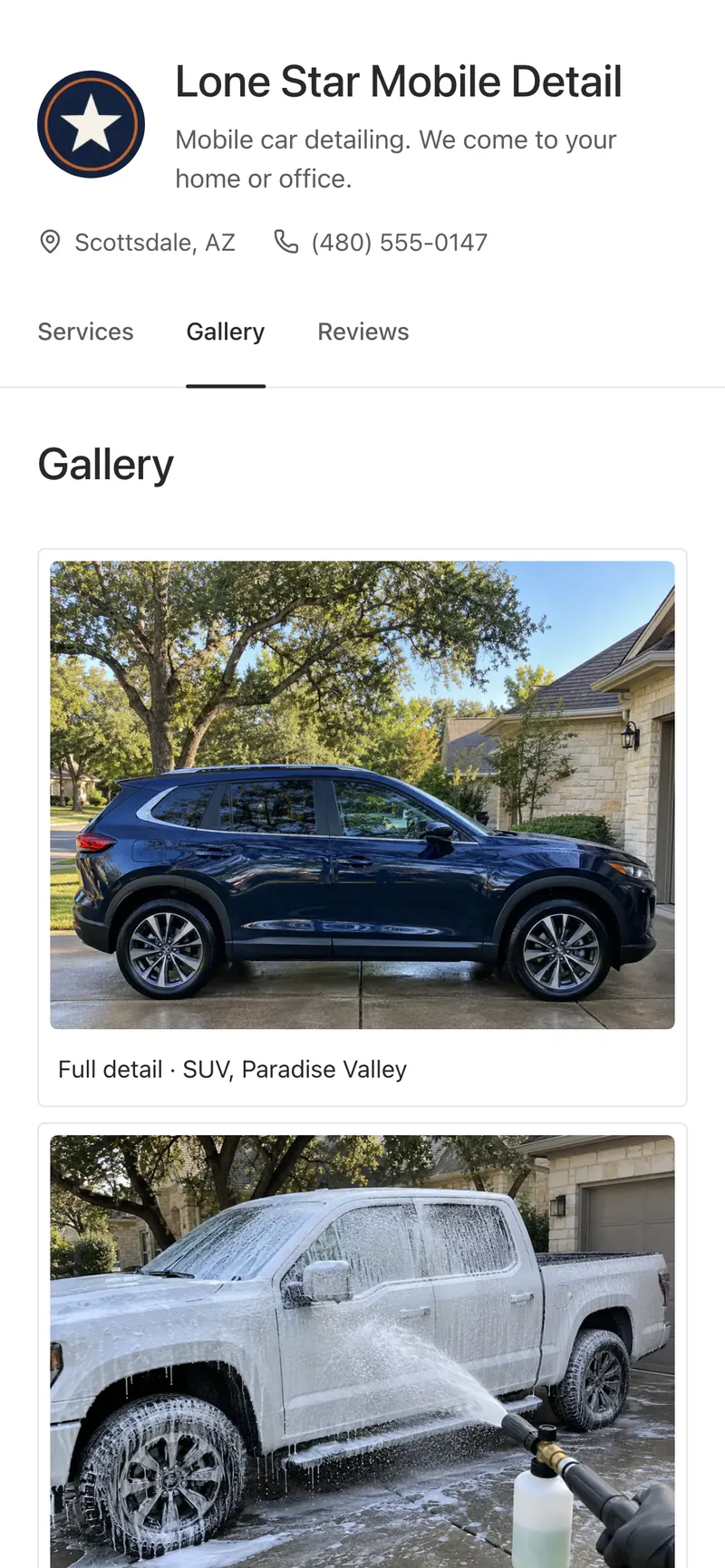
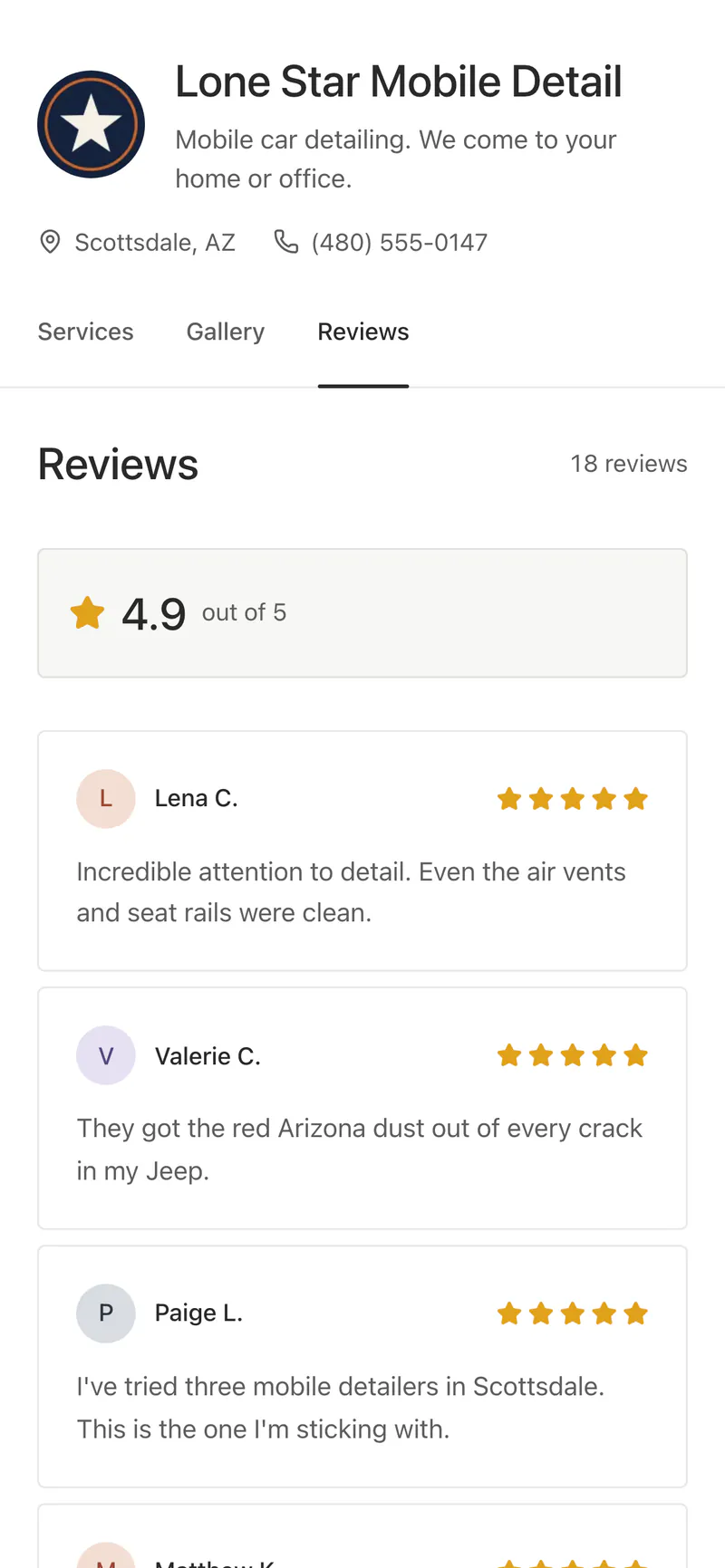
Show before-and-after albums in the Gallery, and the reviews customers send after a job. You choose what appears.
- Before-and-after albums with captions
- Reviews customers leave through Bookr, and ones you add
- Links to your Instagram, Facebook, TikTok, YouTube, Google and Yelp
Your colors and your customers’ language
Pick one of six themes. Write your page in any of 15 languages, with prices in your currency and dates the way your country writes them. Arabic reads right to left.
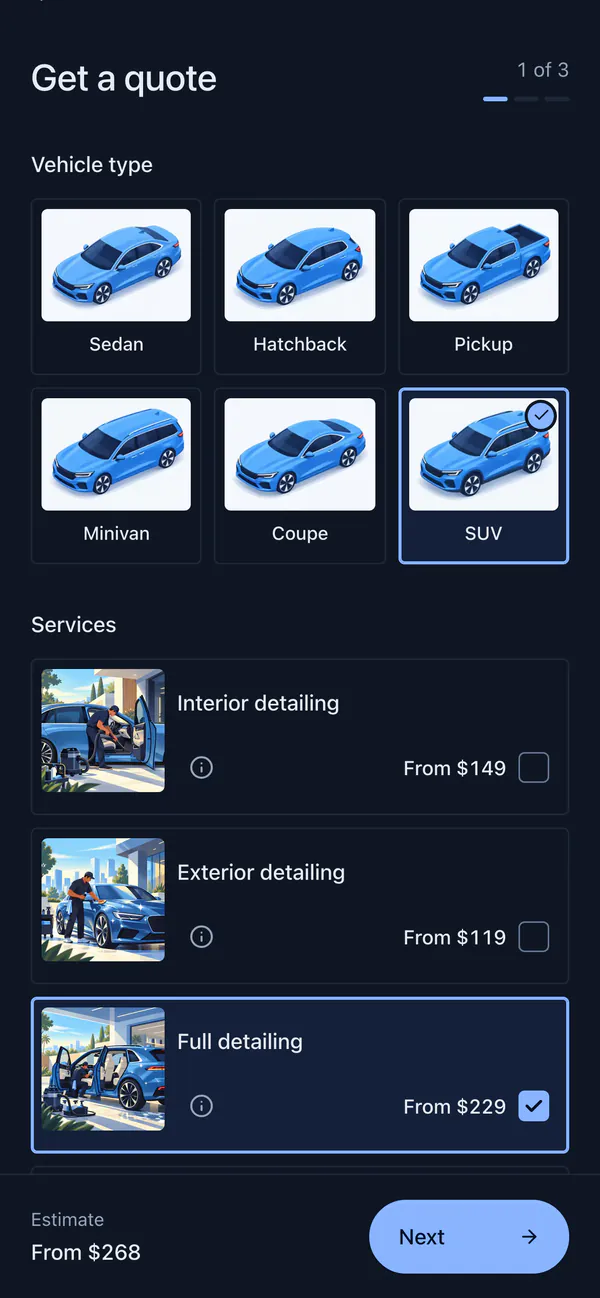
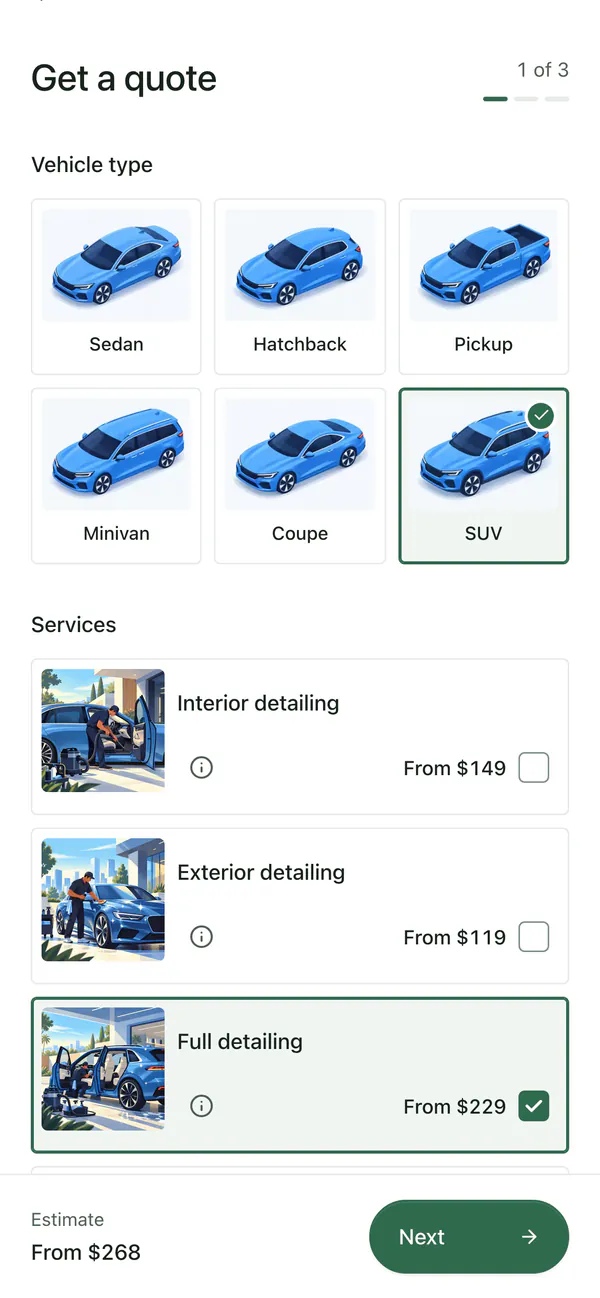
- Paper, Mist, Sand, Sage, Graphite and Midnight
- English, Spanish, German, French, Dutch, Portuguese, Italian, Polish, Turkish, Russian, Arabic, Hindi, Indonesian, Chinese and Japanese
- 36 currencies
Included in every plan
- Your address
- bookr.page/your-business, Live, Paused or Hidden
- On your website
- Inside a page, as a pop-up, as a floating button, or a link
- Customers
- No app or account, and nothing to pay to send a request
- Alerts
- Email, and texts to US numbers, for every new request
Questions
Do I need a website?
No. Your page lives at bookr.page. Share the link in your Instagram bio, Google Business Profile or a text message, or add it to a website you already have.
Do customers book an appointment directly?
No. They send a request with the work, the vehicle and a preferred day and time window. You confirm the price and the visit with them.
Can I hide my prices?
Yes. Each service and add-on can show a fixed price, a starting price, a range or no price.
Can I use it outside the US?
Yes. The page works in 15 languages and 36 currencies, with addresses and phone numbers for your country. Texts to customers reach US numbers only.
More in Bookr
Quotes and invoices
Estimates with ranges, quotes to approve, invoices to pay by card, and earnings by week, month and year.
Scheduling
Working hours, time windows, scheduled visits, calendar sync and reminders the day before.
Customers
A customer list built from your requests, rebooking reminders, review requests and CSV export.
Marketing
Twelve print and social pieces with QR codes, and stats on visitors, sources and requests.
On your website
Your form inside a page, behind a button, in a floating button or as a link, on Wix, Squarespace, WordPress and more.
Themes
Six color themes for your booking page, from light Paper to dark Midnight. Switch any time.
iPhone app
Requests, quotes, customers, schedule and earnings on your phone. Coming soon to the App Store.
Pricing
One plan with every feature. 7 days free, no card required.
Take your next booking on Bookr
Set up your page today and share it with your next customer.