Six themes for your booking page
Choose the colors customers see on your page and the form on your website. Only the colors change; the form works the same in each.
7 days free. No card required.
Try each one
 Sedan
Sedan SUV
SUV Pickup
 Full detailingFrom $229
 Ceramic coating$899–$1,800
 Pet hair
 Stains
 Odor
OdorWhite on warm off-white, with black buttons. The default.
On a phone
The real quote form in each theme.
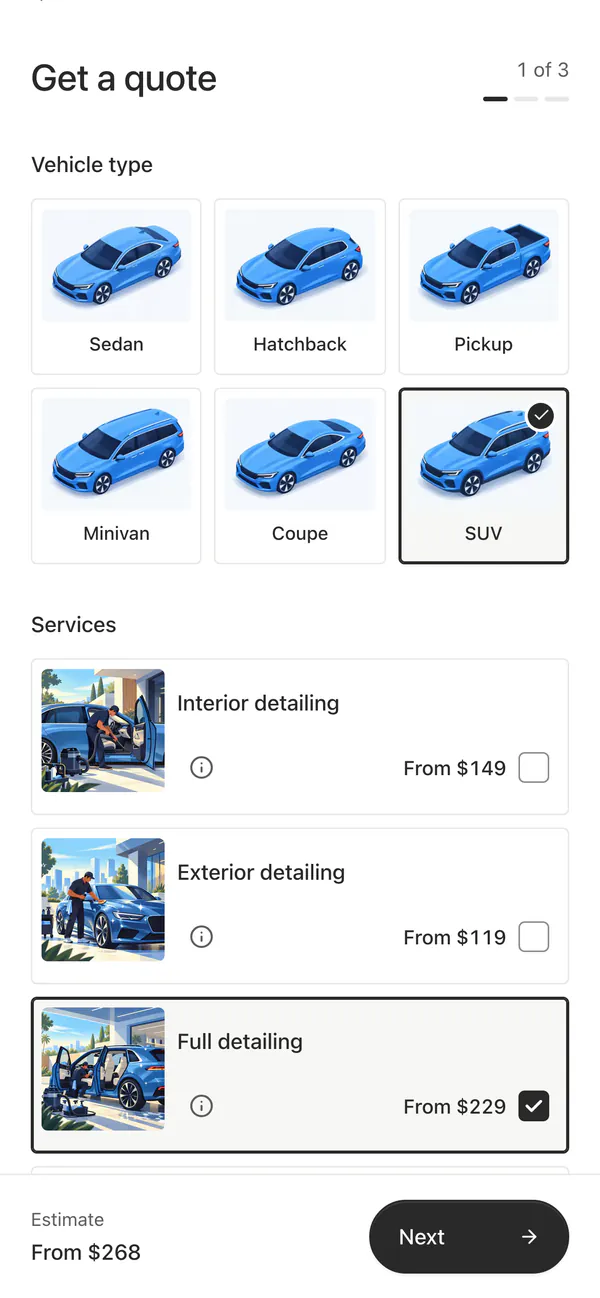 Paper
Paper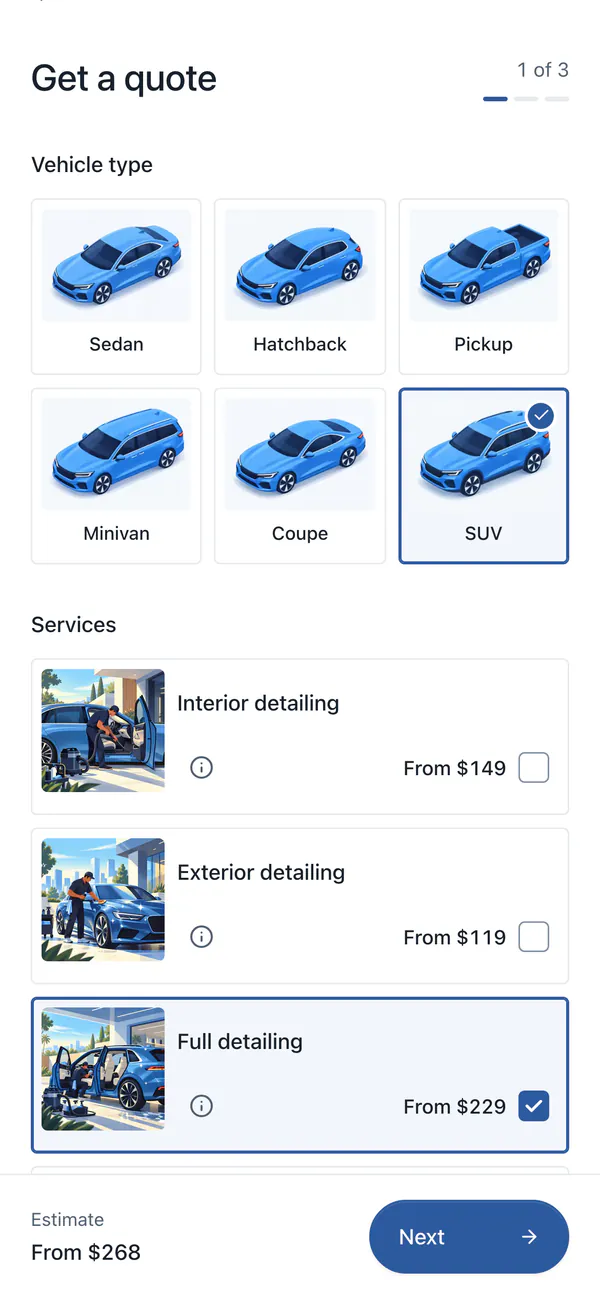 Mist
Mist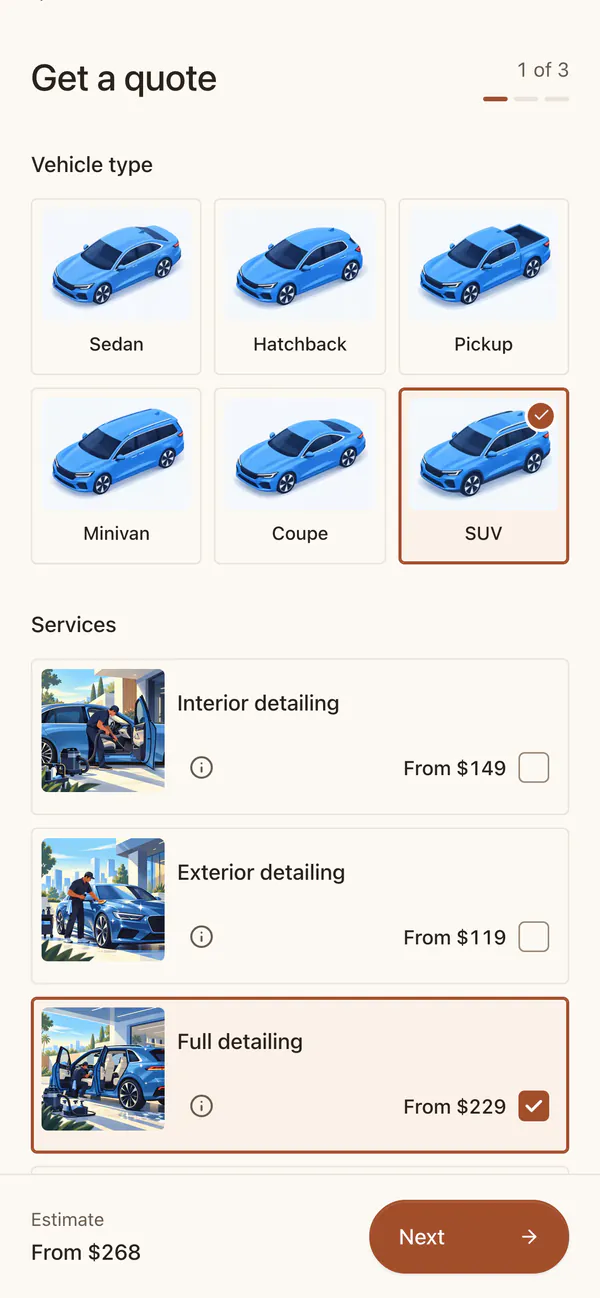 Sand
Sand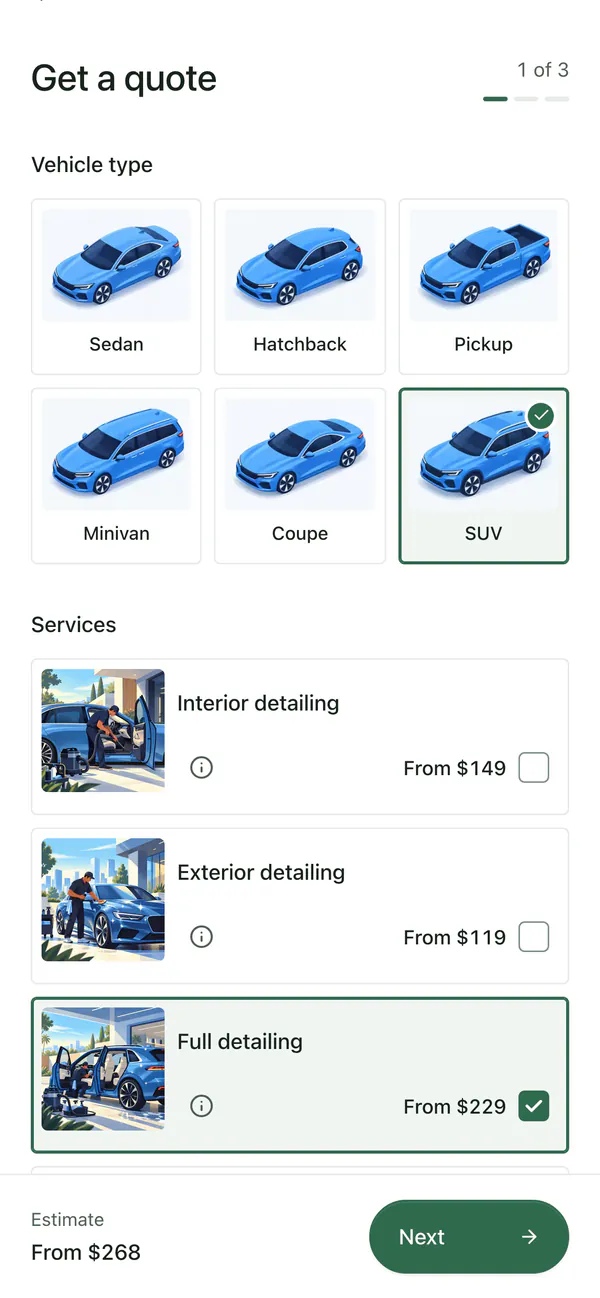 Sage
Sage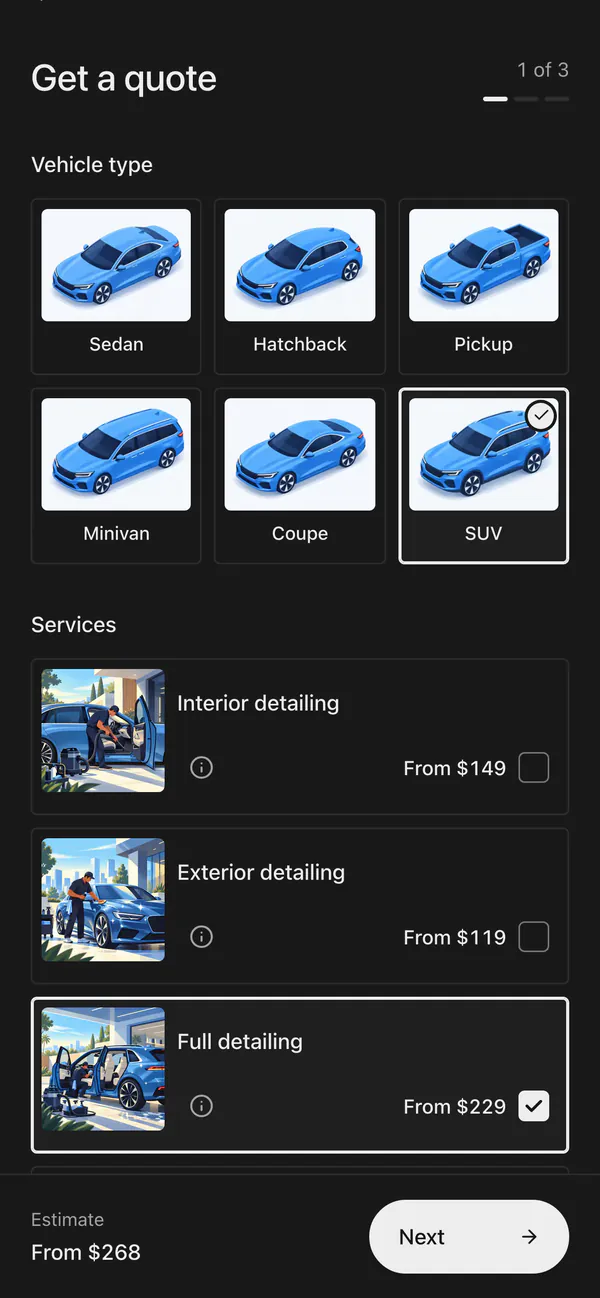 Graphite
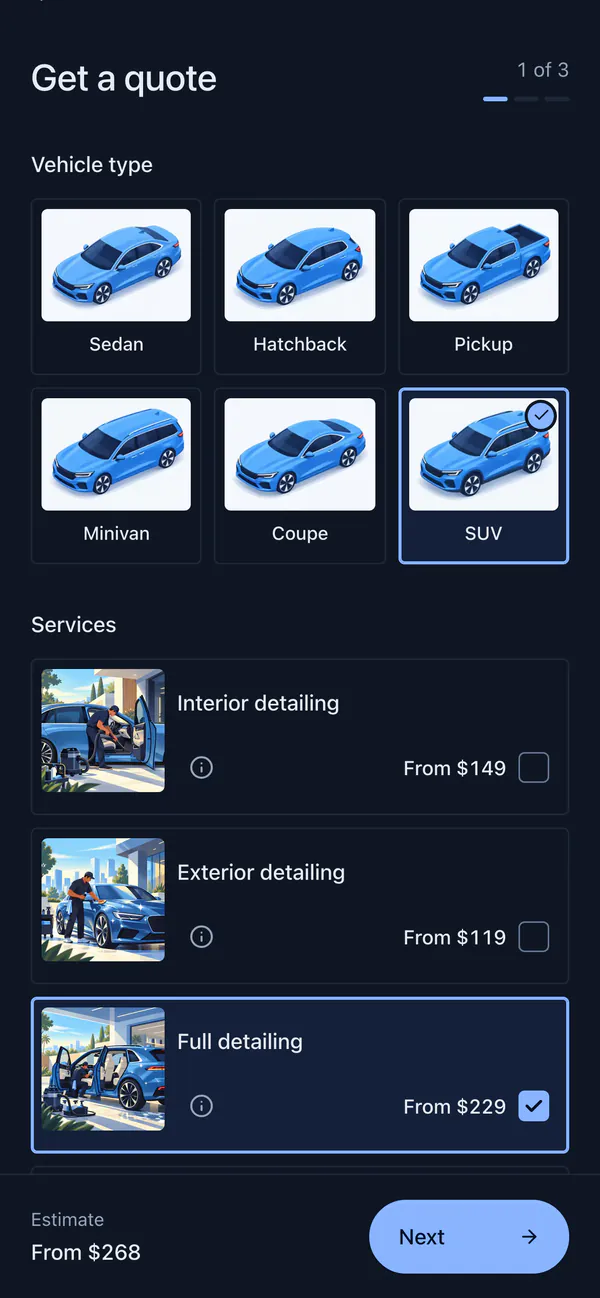 Midnight
In your colors and language
Text in every theme meets WCAG AA contrast, and selections stand out from the card. Your page also comes in 15 languages and 36 currencies.
- Themes
- 6
- Languages
- 15
- Currencies
- 36
- Contrast
- WCAG AA
Questions
Can I use my own colors?
Not exactly. Choose the closest of the six themes. Your logo and business name sit at the top of your page.
Does the form on my website use my theme?
Yes. The form on your website uses the same theme, language and currency as your booking page.
Does a theme change how the form works?
No. Every theme keeps the same type, spacing and steps. Only the colors change.
Can I change it later?
Yes. Change it any time in Booking page → Theme.
Related
Booking page
Services with photos and prices, vehicle and condition, photos, and the day and time customers prefer.
On your website
Your form inside a page, behind a button, in a floating button or as a link, on Wix, Squarespace, WordPress and more.
Marketing
Twelve print and social pieces with QR codes, and stats on visitors, sources and requests.
Take your next booking on Bookr
Set up your page today and share it with your next customer.